
Stuck, found a bug, or have a question about your account or bill? Send it to the Seamlss team from inside the app. A person reads every ticket, and we usually reply within one business day.
In Seamlss: your name at the top right of any screen, then Feedback & Support.
Open the support form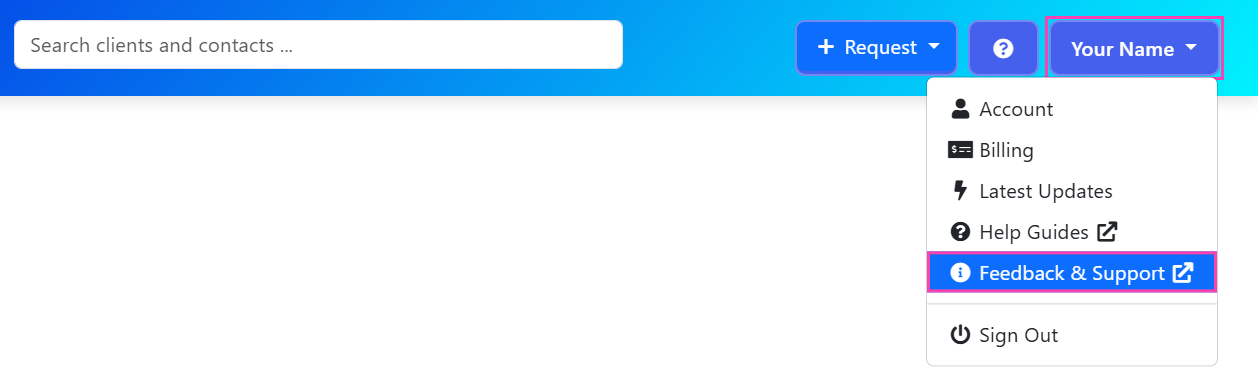
Send a ticket #
Open the menu
Click your name at the top right of any screen in Seamlss.
Choose Feedback & Support
The support form opens in a new browser tab, so Seamlss stays open where you were.
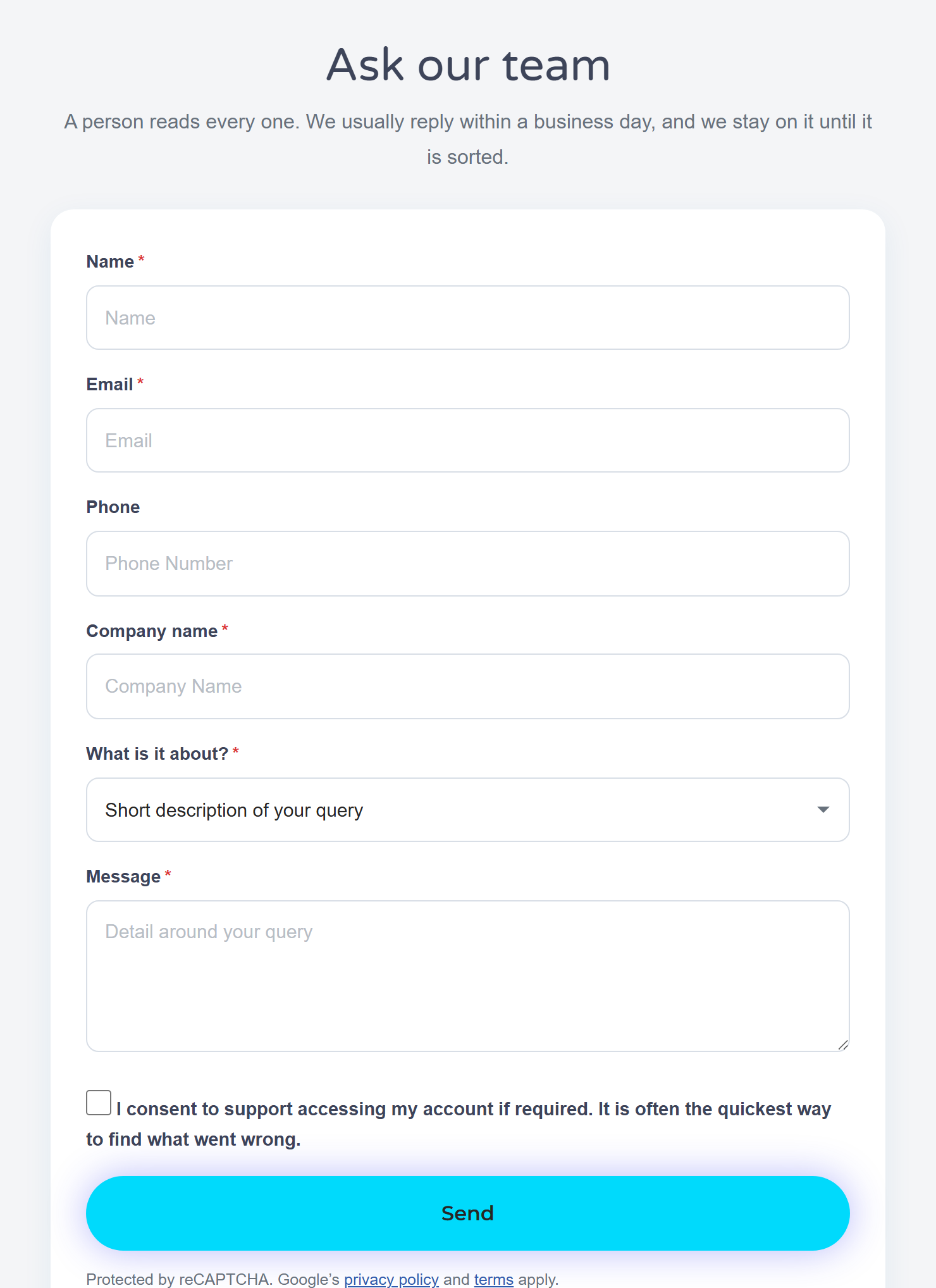
Fill in the form
Your name, email and company name, then pick what it’s about. In Message, say what you clicked, what you expected and what you saw instead. If it’s about one client or request, name it.
Tick the consent box, if you’re happy to
It lets us look at your account. That is often the quickest way to find what went wrong. You can leave it unticked.
Click Send
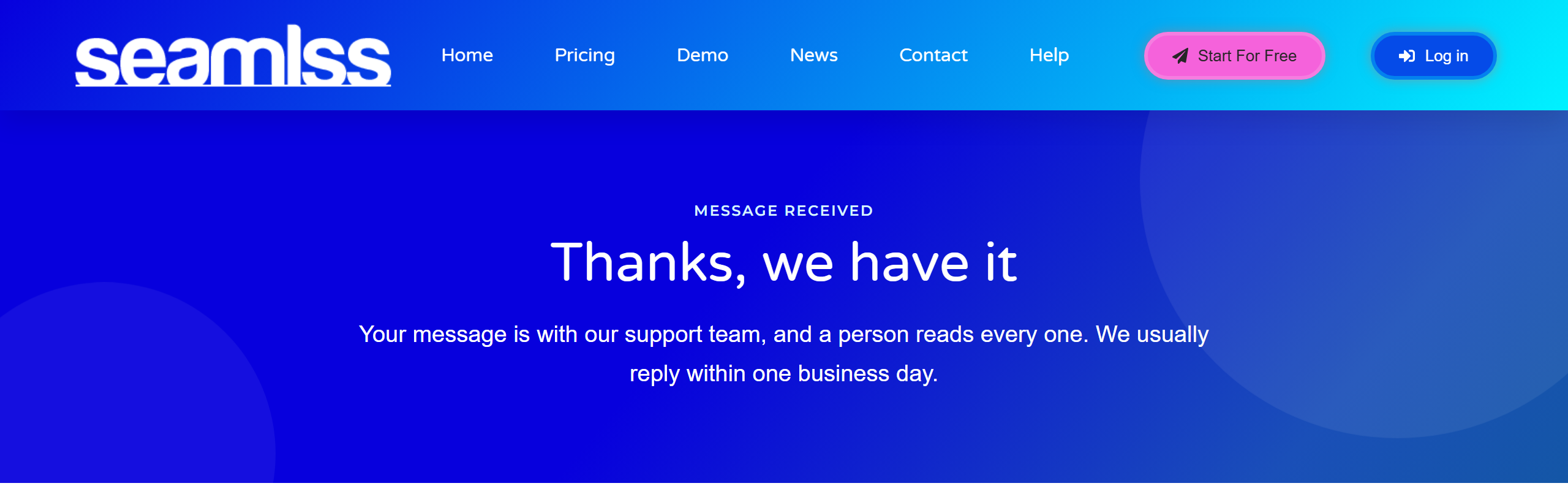
You’ll see a page that says the team has your message.
Can’t log in? You don’t need Seamlss open to reach us. Go straight to the support form and choose Account & Login.
What happens next #
You see the confirmation page
It says “Thanks, we have it”. Your ticket is with the team.
We reply by email
The reply comes from [email protected], usually within one business day. Add that address to your safe senders so it doesn’t go to junk.
Reply to add more
Send a screenshot or anything else that helps by replying to our email. It all stays on the one ticket until it’s sorted.
Cancelling, or asking about a refund? Use the same form and choose Billing. The Billing page in Seamlss manages your payment details; it doesn’t cancel your subscription.
Something not working? #
Nothing seemed to happen when I clicked Feedback & Support
The form opens in a new tab, so check your other browser tabs. Or go straight to the support form.
The form won’t send
Check every field with a star is filled in, including what it’s about. If it still won’t send, email [email protected] with the same details.
I haven’t had a reply
Check your junk folder for [email protected]. If there’s nothing after a business day, reply to our email or send the form again and mention your first message.
It’s my client who is stuck, not me
Send your client the ID check guide for clients or the client area guide. If they’re still stuck, send us a ticket with their name and the request.


