
You will receive an email from your accountancy firm requesting details so they can load you into their system. Follow the link in the email to begin the onboarding process.
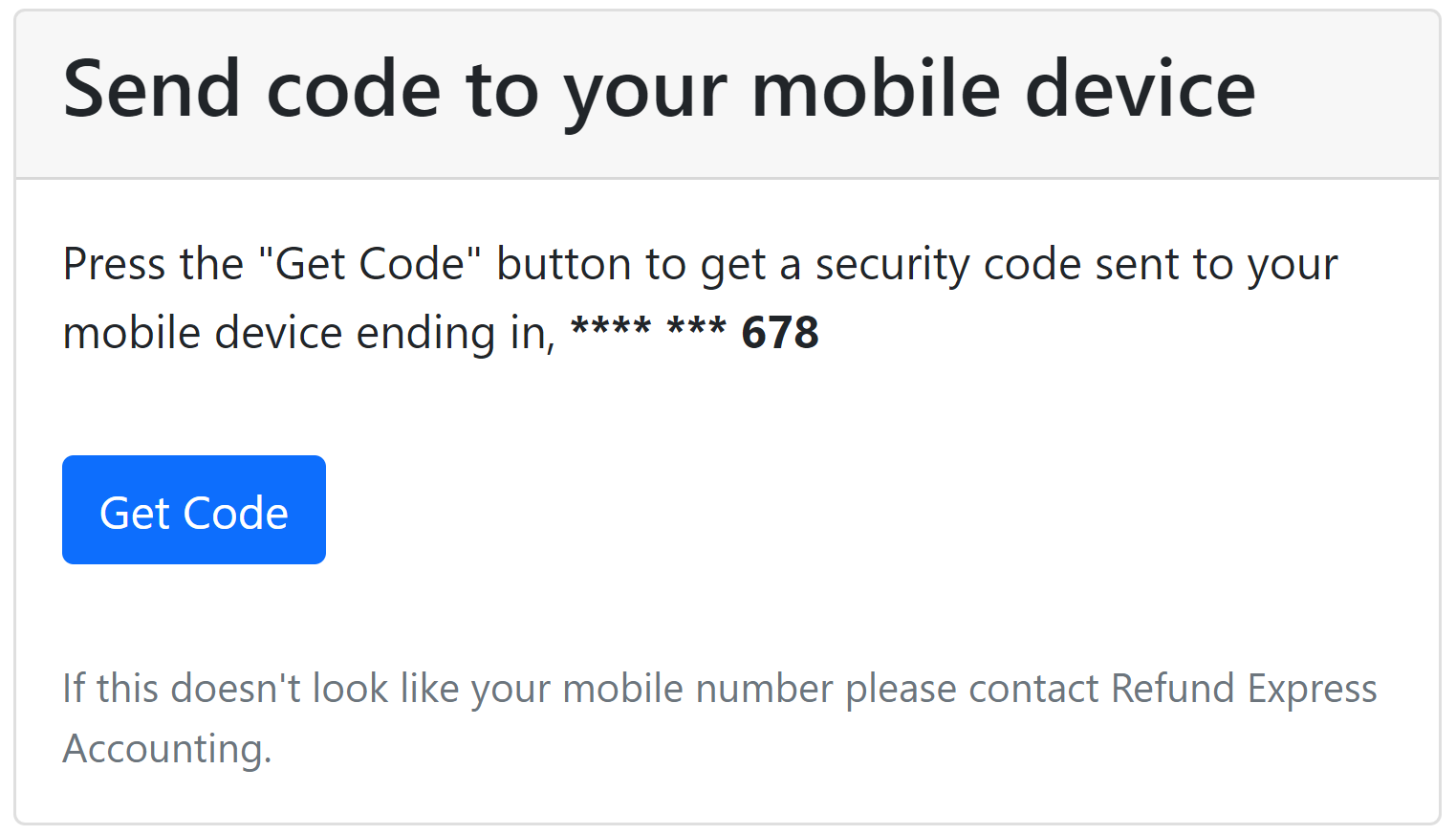
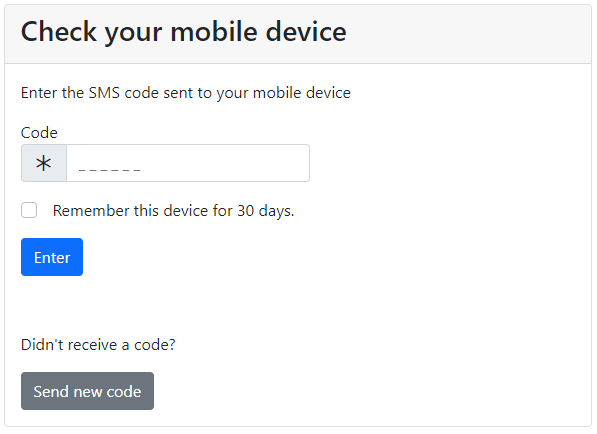
You will be prompted to get a code sent to your mobile phone.
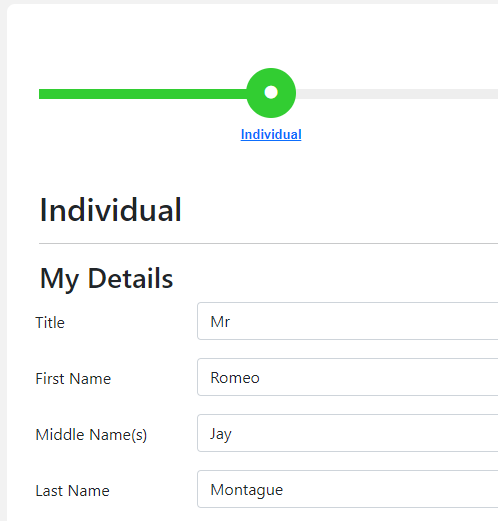
Enter your details into all fields in hit Save
The next step is to verify your identity. Uploaded an approved form of identification. Click View More Information to see a list of approved ID. Most firms will require a photo ID such as a driver’s licence.
Your accountant may also ask for an ATO document, usually your latest Notice of Assessment. You’ll find it in your myGov inbox, or in ATO online services under Communication, then History. Your accountant uses its reference number to confirm the ATO record is yours.
If your screen doesn’t look like this, go to our help guide for verification using Stripe.
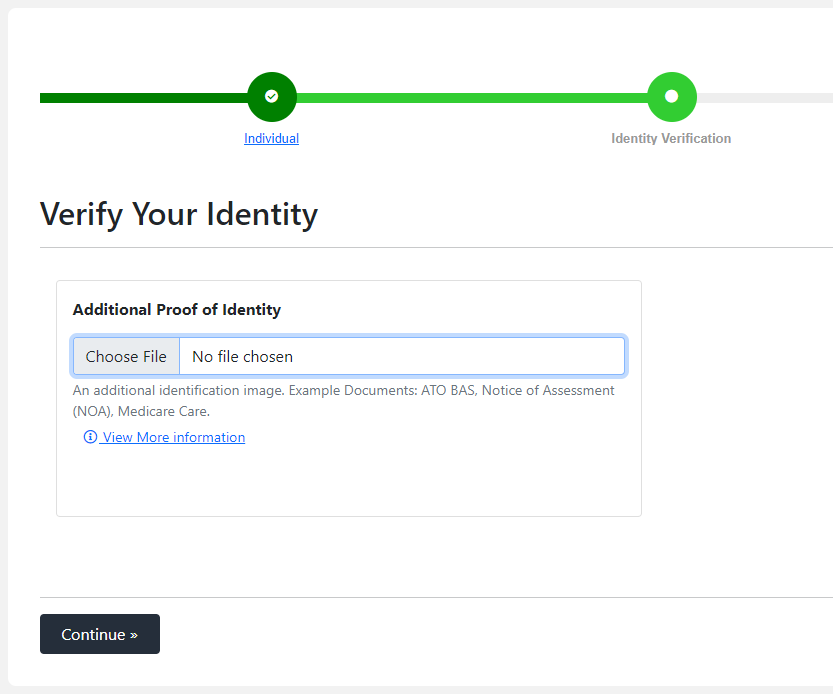
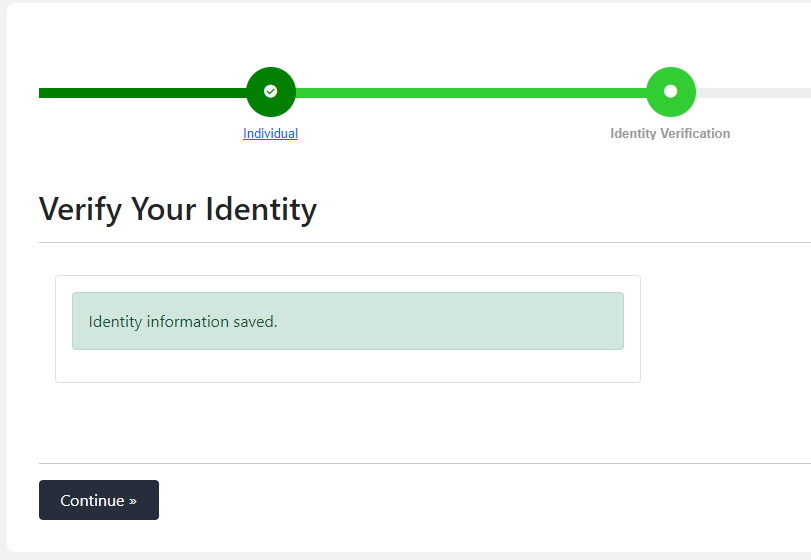
Once the upload is complete, hit Continue and you will be prompted to sign the engagement letter.
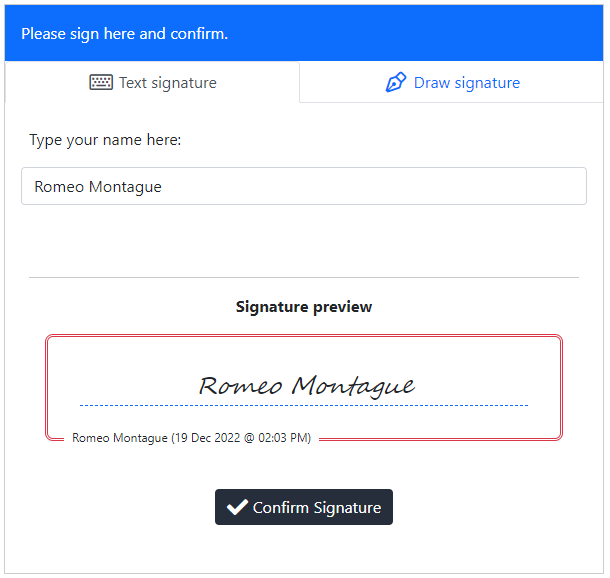
Confirm your signature and that’s it, you’re done! Your accountancy firm will contact you regarding next steps.


